Mobile App
Take your business phone system with you. The Tonet mobile app gives you the same calling, texting, and voicemail features you get in the dashboard - right on your phone. Your phone numbers, contacts, and call history stay in sync across all your devices.
Available for iPhone (opens in a new tab) and Android (opens in a new tab).
Getting Started
Download the app from the App Store or Google Play and sign in with the same email and password you use for the web dashboard (opens in a new tab).
Home
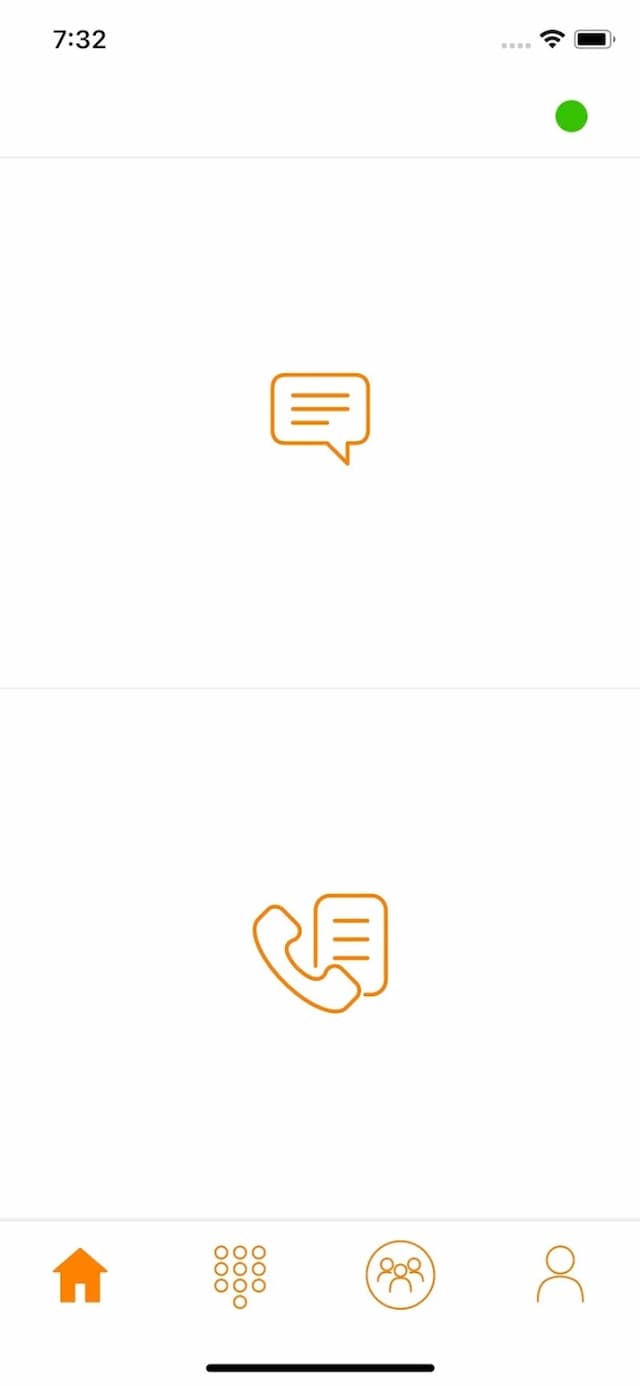
The Home tab is your starting point. It shows quick counts for unread messages and missed calls so you can see at a glance what needs attention.
Conversations
Tap messages to open your conversations. Three filters at the top let you switch views:
- All - Every conversation, both team messages and SMS
- Team - Internal messages with your team members only
- SMS - Customer text messages, organized by phone number
Tap any conversation to open it. Type a message and send, or attach an image. Messages sync across all your devices - anything you send from the app shows up in the web dashboard Chat too.
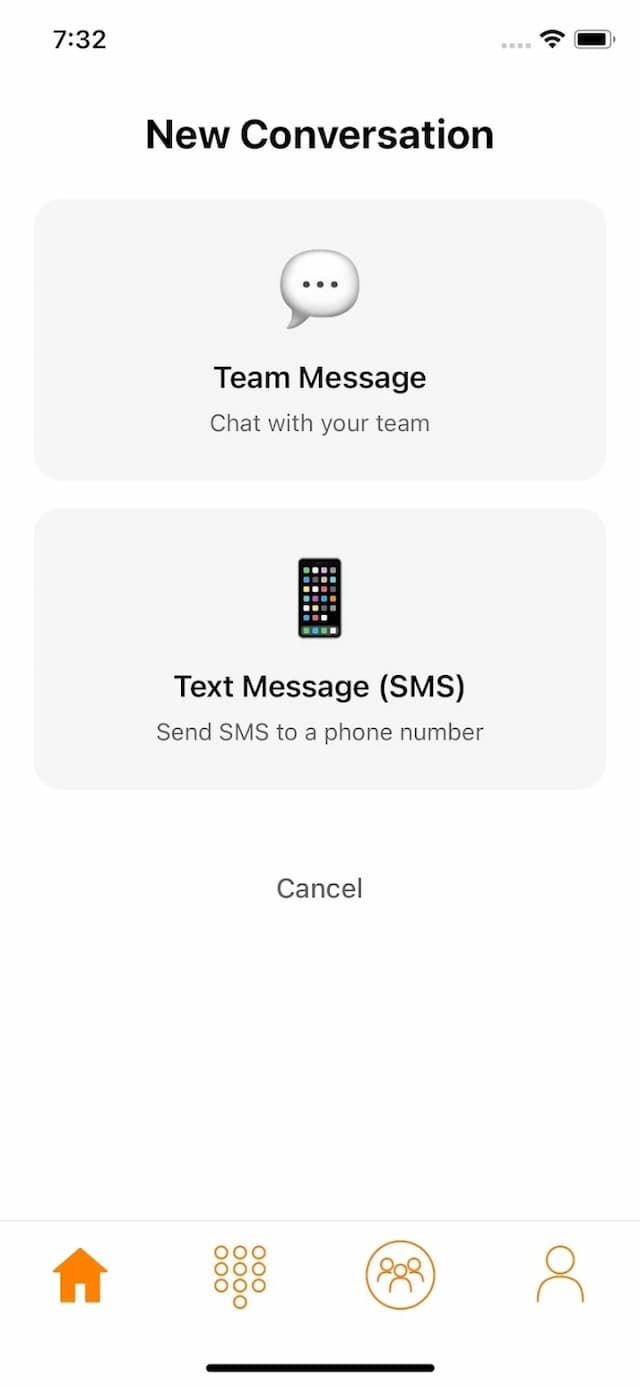
To start a new conversation, tap the compose button and choose whether you're messaging a team member or sending an SMS to an external number.
Call History
View your complete call log, grouped by date. Each entry shows:
- Caller or recipient name and number
- Call direction (inbound or outbound)
- Duration
- Whether it went to voicemail
Tap any call to call the number back. Voicemails have a play button to listen right from the list.
Dialpad
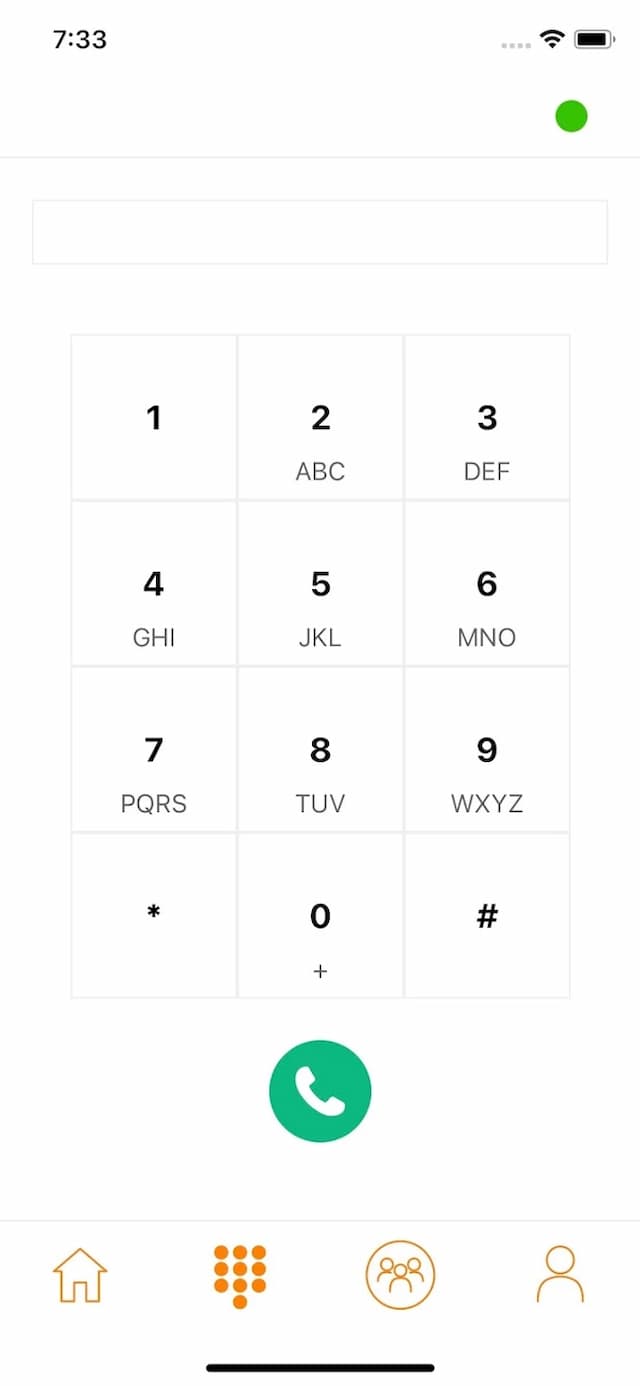
A full phone keypad for dialing numbers. During an active call, you can use the keypad to navigate phone menus, enter PINs, and so on.
Active Calls
When you're on a call, a call screen appears with:
- Caller name and number
- Call duration timer
- Mute - Mute or unmute yourself
- Speaker - Switch to speakerphone
- Hold - Put the call on hold
- Hang up - End the call
Call Transfer
Transfer an active call to another team member or external number. Tap transfer, search for the person by name or extension, and select them. The call hands off automatically.
Conference Calls
Merge multiple active calls into a conference. Select which calls to add and the app connects everyone together.
Directory
Browse your team and contacts in one place:
- Team - All team members with their extensions. Tap to call or message.
- Contacts - Your phone's contacts. You'll need to allow Tonet access the first time. Tap to call directly using your business number.
Use the search bar to find anyone quickly.
Profile
Manage your app settings:
- Display Name - Edit the name your team sees
- Call From - Choose which of your phone numbers to use for outbound calls. If you have multiple numbers, tap Change to pick a different one.
- Permissions - See which permissions are enabled. Tap any one to open your phone's settings.
- Log Out - Sign out of the app
Push Notifications
The app sends push notifications for:
- Incoming calls - Even when the app is in the background
- New text messages - SMS and team messages
- New voicemails - When someone leaves a message
On Android, make sure battery optimization is disabled for Tonet. Some Android manufacturers aggressively kill background apps, which can prevent incoming call notifications. Check your device's battery settings if calls aren't coming through.
Syncing with the Dashboard
Everything stays in sync. Calls you make from the app appear in Call History on the web dashboard. Messages sent from the app show up in Chat. Contacts you add in the dashboard are available in the app. Changes to your phone numbers, groups, and routing settings take effect on all devices immediately.